

Headless WordPress means keeping the WordPress admin your team already knows and swapping the slow theme on the front for a Next.js site. Plenty of WordPress sites are slow: heavy themes, too many plugins and database queries on every page view. That hurts rankings and puts visitors off. Split the two layers and you get fast pages, a much smaller attack surface and better Core Web Vitals.
This guide covers how it works, when a WordPress to Next.js migration is worth the money, and the steps we follow so a site keeps its rankings on the way over.
On this page

- Why decouple WordPress for speed?
- Is headless WordPress right for your site?
- WPGraphQL API vs legacy REST APIs
- SEO advantage and Core Web Vitals
- WordPress to Next.js migration: the 6 steps we follow
- Caching, ISR and keeping content fresh
- Hosting and running costs
- How headless WordPress cuts your security risk
- Common migration mistakes
- Headless WordPress examples for small businesses
- How long a WordPress to Next.js migration takes
- Pre-migration checklist
- Running the site after launch
- Key takeaways
- Related reading
- Conclusion
Why decouple WordPress for speed?
Headless WordPress separates writing content from showing it. Editors keep using the familiar WordPress dashboard. Developers build a fast React and Next.js frontend hosted on edge networks like Vercel or AWS CloudFront.
That last point is where most of the speed comes from. A normal WordPress page is built by PHP each time someone asks for it, unless a caching plugin gets there first. A headless WordPress site hands visitors a prebuilt HTML file instead.
What stays the same for your team
Your editors still log in at /wp-admin. Posts, pages, categories, featured images and Advanced Custom Fields all work as they did. The only thing they lose is the live theme preview, and we usually rebuild that as a preview route in Next.js.
What changes behind the scenes
With headless WordPress, the theme stops being the thing visitors see. WordPress becomes a content API, and Next.js fetches from it at build time or on a timer. Plugins that print things on the page, like sliders and page builders, stop doing anything useful.
- Page loads well under a second on cached pages, via Incremental Static Regeneration (ISR)
- Tighter security: the WordPress MySQL database and admin dashboard sit away from public traffic
- One content source for more than one channel: the website, a mobile app or a kiosk screen can all read the same GraphQL queries
- No dependency on slow PHP rendering or heavy theme builders for every page view
Is headless WordPress right for your site?
Not always. A five page brochure site for a joiner in Leicester doesn't need it. A well configured WordPress theme with decent hosting and image compression will do the job for a fraction of the cost.
It starts to pay when one or more of these is true:
If none of those apply, spend the budget on content and a lighter theme. Headless WordPress is a decision, not a default. We'll tell you that on the discovery call rather than sell you a rebuild you don't need.
- The site has hundreds or thousands of pages, like a publisher, a directory or a big blog
- Organic search brings in most of your leads and slow mobile pages are costing you positions
- You're paying for plugin after plugin to patch speed and security problems
- The same content needs to appear in an app, a second site or a customer portal
- You've been hacked through an out of date plugin and don't want a repeat
WPGraphQL API vs legacy REST APIs
For headless WordPress with a Next.js frontend, WPGraphQL gives you one query language that fetches only the fields each component needs. Instead of several round trips to the standard REST endpoints, it pulls post data, Advanced Custom Fields and media into a single, lean payload.
The REST API still works and it's built into core. For a small build with a handful of post types it's fine. Once you're joining posts, authors, categories and ACF groups on the same page, GraphQL saves a lot of code and a lot of requests.
Plugins you'll still want on the WordPress side
- WPGraphQL, plus the ACF extension if you use Advanced Custom Fields
- Rank Math or Yoast, with their GraphQL add-ons, so SEO titles and descriptions reach Next.js
- A redirect manager, because old URLs still need a home
- A backup plugin and security updates, as with any WordPress install
SEO advantage and Core Web Vitals
Google rewards pages that load their main content quickly and don't jump around while loading. Its Core Web Vitals measure exactly that: Largest Contentful Paint, Interaction to Next Paint and Cumulative Layout Shift. Next.js prerenders static HTML at build time and refreshes changed content in the background, so crawlers and people both get fast pages.
Headless WordPress also makes it easier to control what's in the HTML. No stray plugin scripts, no render blocking CSS from a theme you only use 10% of. The Next.js Image component handles responsive sizes and modern formats like WebP and AVIF for you.
Speed alone won't rank a page, though. Content, links and relevance still do the heavy lifting. What speed does is stop you losing visitors who give up on a slow mobile page before it's finished loading.
What a faster site won't fix on its own
A slow site is often a symptom rather than the disease. If pages are thin, titles are vague and nobody links to you, a new frontend will give you fast pages that still don't rank.
So before a rebuild we look at content and links too. Sometimes the right answer is a few weeks of content work first, then the migration. Doing both at once can make it hard to tell which change moved the numbers, so we usually stage them.
Tracking matters here as well. Set up Search Console, GA4 and a simple rank tracker before launch, so there's a clean before and after to compare.
WordPress to Next.js migration: the 6 steps we follow
A WordPress to Next.js migration fails when people treat it as a design job. It's an SEO job first. Here's the order we work in.
1. Crawl and export every URL
We crawl the live site with Screaming Frog and pull every indexed URL from Search Console. Posts, pages, category archives, tag pages, author pages, image attachment pages. Anything Google has seen goes on the list.
2. Decide what each URL becomes
Every old URL gets one of three outcomes: same URL on the new site, a 301 redirect to its closest match, or a deliberate removal. We keep the WordPress permalink structure wherever we can, so /blog/post-name/ stays /blog/post-name/.
3. Rebuild templates, not pages
In a headless WordPress build you design a handful of templates: post, page, archive, service, contact. Next.js fills them from WordPress data. That's why a large site doesn't take proportionally longer to rebuild.
4. Carry the SEO data across
SEO titles, meta descriptions, canonical tags, Open Graph images and schema all have to reach the new frontend. We pull them from Rank Math through GraphQL and output them with the Next.js Metadata API. XML sitemaps and robots.txt get rebuilt too.
5. Test on a staging URL
The new site runs on a password protected staging address for a week or two. We compare it page by page against the old one, run Lighthouse on mobile, and click every form. The staging site is set to noindex so Google doesn't find it early.
6. Launch, then watch Search Console
Launch is a DNS switch plus the redirect map going live. For the next four to six weeks we check Search Console coverage, 404 reports and rankings for your main pages.
Small wobbles in the first fortnight are normal. Most migrations settle inside a month. Big drops mean a redirect is missing, and we fix it the same day.
Caching, ISR and keeping content fresh
The worry most editors have is simple. "If the pages are prebuilt, how do my changes go live?"
On a headless WordPress build, Next.js handles this with Incremental Static Regeneration. Each page is cached, and after a set time, or when WordPress pings a revalidation webhook, Next.js rebuilds just that page in the background. Visitors never see a half built page.
In practice we set most pages to revalidate on publish. Edit a post in WordPress, hit Update, and the live page refreshes within a few seconds. Archive pages and the homepage revalidate on a short timer as a backup.
What about forms, search and comments?
Contact forms move to a Next.js route or a service like Formspree. Site search either queries WordPress directly or uses something faster like Algolia. Comments are usually switched off or handled by a third party, because very few small business blogs get enough of them to justify the work.
Hosting and running costs
A headless WordPress setup has two parts to host. WordPress itself can sit on modest hosting, since it only serves the API and the admin. The Next.js frontend usually goes on Vercel, Netlify or a Node server.
For most small business sites the frontend fits in a free or entry level plan. Busy sites pay more, but they'd be paying for bigger WordPress hosting anyway. We give you a clear picture of running costs before you commit, and our fixed price build quotes are on the pricing page.
The Next.js team keeps its own official documentation up to date, and it's worth a skim if you want to see how rendering and caching work under the hood.
How headless WordPress cuts your security risk
Most WordPress hacks we clean up start the same way. An old plugin, a forgotten admin account, or a form nobody has patched in years. The public site and the admin live on the same server, so one weak spot exposes both. That's the setup headless WordPress gets rid of.
Visitors hit static pages on Vercel or Netlify, not your PHP install. With headless WordPress the admin can sit on its own subdomain behind an IP allow list, so a bot hammering /wp-login.php on your main domain finds nothing there. Plugins on the backend never print anything on the public page either, which means a buggy slider can't inject scripts into it.
It isn't bulletproof. You still need updates, strong passwords and two factor logins. A headless WordPress install nobody patches is still a risk, just a smaller and better hidden one.
Think of an accountancy practice in Leeds or a lettings agent in Dublin. The site holds nothing secret, but a defaced homepage still costs trust. If you've been hacked before, that alone can justify headless WordPress. Fewer moving parts on the public side means fewer 2am phone calls.
Common migration mistakes
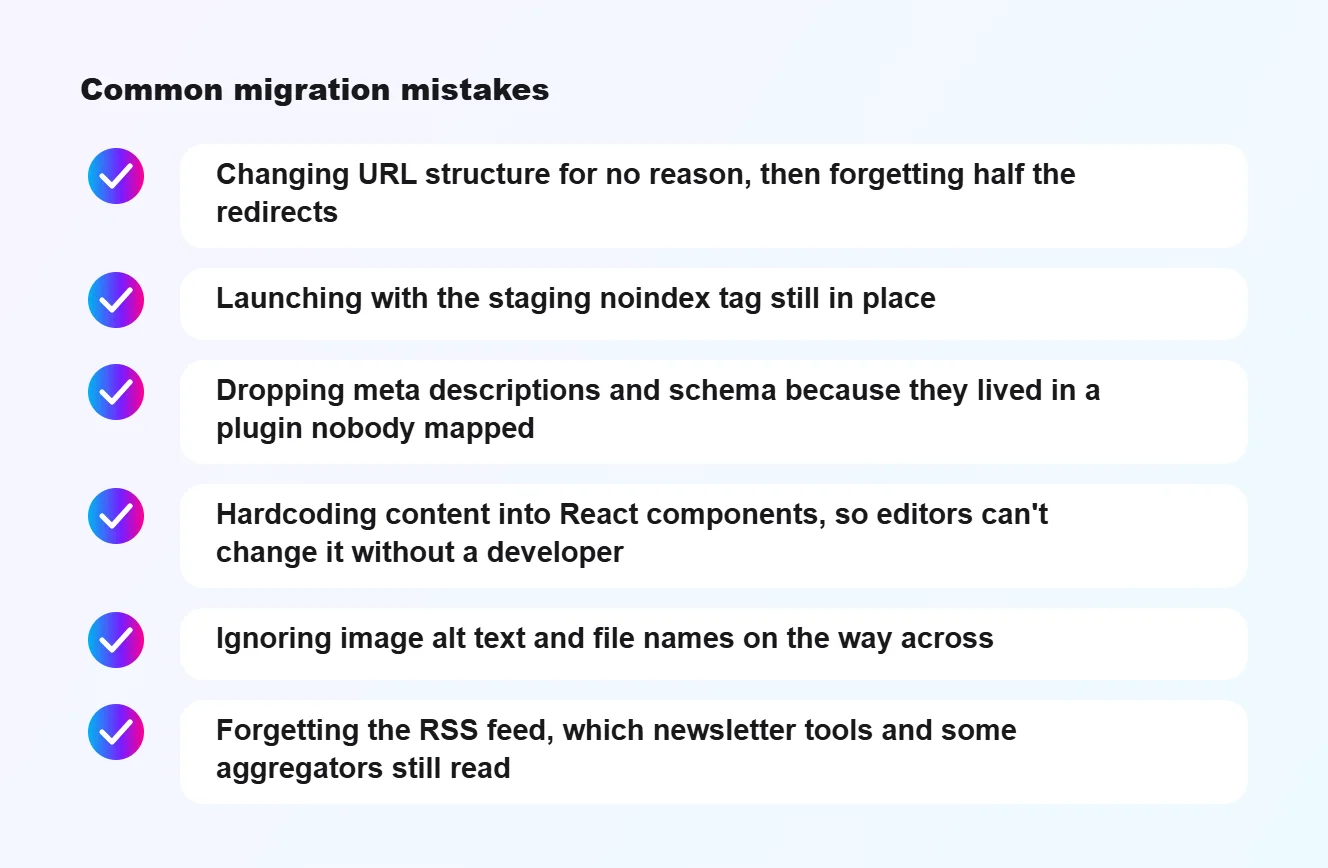
Most of the horror stories we hear about headless WordPress migrations come down to a few avoidable slips.
Every one of these is boring to check and painful to fix after launch. A checklist and a staging week catch them.
- Changing URL structure for no reason, then forgetting half the redirects
- Launching with the staging noindex tag still in place
- Dropping meta descriptions and schema because they lived in a plugin nobody mapped
- Hardcoding content into React components, so editors can't change it without a developer
- Ignoring image alt text and file names on the way across
- Forgetting the RSS feed, which newsletter tools and some aggregators still read
Headless WordPress examples for small businesses
It helps to picture where this fits in real businesses rather than in developer blog posts. Here are the kinds of sites where we'd recommend it, and a couple where we wouldn't.
A regional publisher or local news site
A news site in Norwich with ten years of archive has thousands of posts and gets most traffic from Google. Every tenth of a second on mobile matters there. Headless WordPress keeps the newsroom on the editor they know, and the archive pages come out as static files that load instantly.
A multi location service business
Think of a dental group with clinics in Bath, Bristol and Cardiff. Each clinic needs its own pages, team profiles and opening hours, and the same data feeds a booking app. One headless WordPress install can serve the website and the app from the same content.
A recruitment or property directory
Listings sites have lots of near identical pages driven by filters. Next.js can build those pages from WordPress data quickly and cache them hard, which keeps search engines happy and hosting bills sensible.
Where we'd say no
A café in Canterbury with a menu, a map and an Instagram feed doesn't need any of this. Neither does a new start up that hasn't written its first ten blog posts yet. For those, a clean WordPress theme is quicker to launch and cheaper to run.
How long a WordPress to Next.js migration takes
Timelines depend on size and on how messy the old site is, but here's a rough guide from the projects we've done.
The build itself is rarely the slow part. Agreeing the redirect map, cleaning up old content and waiting for sign off take longer. We send a written plan with dates after the discovery call, so there are no surprises.
- A 20 to 50 page business site with a blog: about four to six weeks from discovery to launch
- A content site with several hundred posts and custom post types: six to ten weeks
- A large publisher or directory with complex filters: ten weeks or more, usually launched in stages
Pre-migration checklist
Before anyone writes a line of Next.js, run through this list with your team. It saves weeks later.
If you can't tick off the logins item, sort that first. We've seen a launch delayed a fortnight because nobody knew who registered the domain in 2014.
- Export a full list of indexed URLs from Search Console and your sitemap
- Note your top 20 landing pages by organic traffic and keep them safe above everything else
- List every plugin and write down what it does on the front end
- Record current Core Web Vitals and rankings so you can compare after launch
- Check who owns the domain, DNS and hosting logins, and that you can reach them
- Decide who on your side signs off templates and content
- Take a full backup of the WordPress files and database
Running the site after launch
Launch isn't the end of the work. A headless WordPress site has two codebases to keep healthy, and both need a bit of attention each month.
On the WordPress side
Keep core and plugins updated, same as before. The difference with headless WordPress is that fewer plugins are installed, and none of them run on the public site, so an update that breaks something breaks the admin rather than your homepage. That's a much calmer place to be.
On the Next.js side
Next.js releases updates regularly. We keep sites on a supported version, check the build after each upgrade and watch for deprecation warnings. Most months nothing needs doing beyond a quick dependency bump.
Questions editors ask us
That last answer surprises people. With headless WordPress, a WordPress outage doesn't take the website with it.


- Can I still add a new page myself? Yes, as long as it uses one of the existing templates.
- Can I change the menu? Yes, menus stay in WordPress and Next.js reads them.
- Will scheduled posts still publish? Yes, WordPress publishes them and triggers the revalidation webhook.
- What if the API goes down? Visitors keep seeing the last cached version of every page until it's back.
Key takeaways
- Headless WordPress gives you the WordPress editor you know with Next.js speed on the front.
- Security improves because your WordPress admin is no longer the public website.
- Core Web Vitals usually get better straight away, which helps rankings and enquiries.
- A WordPress to Next.js migration is mostly a URL and redirect job, so plan that first.
- Small brochure sites rarely need headless WordPress at all.
Related reading
- The technical checks that decide whether a migration improves rankings: technical SEO checklist for 2026.
- Faster pages only pay if the site converts what arrives: five things we check when a site has traffic but no enquiries.
- The same speed argument applied to a WooCommerce checkout: why UK shoppers abandon your checkout.
Conclusion
For a content heavy business, a headless WordPress and Next.js setup pays back in speed, security and search. If your shop is the slow part rather than your blog, look at our WooCommerce speed optimisation work first.
We handle the full WordPress to Next.js migration in house, from URL mapping to launch day monitoring. Tell us about your site on the contact page and we'll give you a straight answer on whether it's worth it for you.
Frequently asked questions
What is headless WordPress?
Headless WordPress keeps WordPress as the place you write and manage content, but a separate front end, often built with Next.js, displays it to visitors. The two talk through WordPress's API.
Is headless WordPress good for SEO?
It can be very good, because pages can be pre-rendered and fast. It also means SEO basics such as meta tags, sitemaps and structured data have to be built into the front end deliberately rather than coming from a plugin.
Do editors still use the normal WordPress dashboard?
Yes. Writers and editors keep the familiar WordPress editor. What changes is how the site is displayed, and previewing content needs a little extra setup.
Related guides
- Next.js or WordPress for a small business website? An honest comparison of both.
- Is your page builder slowing down your WordPress site? The fixes that work without a rebuild.
