
WordPress to Next.js Migration With SEO Safeguards
We migrate your WordPress content to a Next.js front end, map changed URLs with 301 redirects, and carry over metadata and schema. Pre-launch checks and post-launch monitoring reduce SEO risks; unchanged rankings cannot be guaranteed.
A Faster Front End With a Planned SEO Migration
WordPress to Next.js migration is the fix for a particular kind of website: one that has grown heavy and nervous about every plugin update. You keep WordPress as the place your team writes and edits. Visitors get a fast front end built in Next.js that does not load 30 plugins on every page view.
On this page

When a WordPress to Next.js migration makes sense
Most sites we review do not need one. A clean theme, fewer plugins and decent hosting fix the speed problems on plenty of brochure sites for a builder in Swindon or a café in Galway. For online shops, WooCommerce speed optimisation is often the cheaper first step.
A migration starts to pay off when the site has outgrown that kind of tidy-up. We usually see it in these situations:
- Pages still load slowly on mobile after caching and image fixes, and Core Web Vitals stay red in Search Console.
- Updates break something every few months, and nobody wants to press the button.
- The site has hundreds or thousands of pages, such as a property portal, a directory or a busy blog.
- You need parts of the site to behave like an app, with filters, calculators or logged-in areas.
- Your WordPress install has been hacked before, or a security plugin is the only thing standing guard.
If none of these sound like you, keep your money. We will tell you on the review call, and you can still ask us to tidy up the WordPress site you have.
How headless WordPress works
In a normal setup WordPress does two jobs. It stores your content and it builds every page a visitor sees. In a headless WordPress setup it keeps the first job and hands the second to Next.js.
What your editors see
Nothing much changes for the people who write, and that is the point. They still log in to the same WordPress admin. Same block editor. Same publish button. Preview works too, so nobody has to publish blind.
The plugins that help editors, such as Yoast or Rank Math, Advanced Custom Fields and user roles, can stay. The plugins that only change what visitors see usually go.
What your visitors get
Next.js builds pages ahead of time or caches them at the edge, close to the visitor. A shopper in Lisbon and a shopper in Leeds get the same quick page, without WordPress doing any work at the moment they arrive.
When an editor publishes a change, only the affected pages are rebuilt. Your blog post goes live in seconds, not after a full site rebuild.
Why it is harder to break
With headless WordPress the admin area can sit on a separate address that the public never sees. Fewer plugins face the internet, so there are fewer doors for an attacker to try.
7 SEO checks we run on every migration
Rankings are lost in migrations for boring reasons, usually a missed redirect or a page that quietly lost its title. Our checklist is short on purpose, and every item gets a tick before launch. It draws on the same habits as our SEO work for small businesses.
- Full URL inventory. We crawl the live site with Screaming Frog and pull every URL that has had clicks in Search Console, including old ones still linked from other sites.
- One redirect per changed URL. Each old address gets a single 301 to its closest new page. No redirect chains, and no sending everything to the home page.
- Titles and descriptions carried across. Word for word, unless we agree to improve them.
- Schema kept. Organisation, product, FAQ and article markup rebuilt in the new templates and tested.
- Canonical tags and hreflang. Checked page by page, which matters if you run English and Irish or Dutch versions of the site.
- Sitemaps and robots.txt. A tidy XML sitemap goes into Search Console on launch day. The robots.txt gets checked so it isn’t blocking anything that matters.
- Internal links updated. Links in your content point straight to the new URLs, so visitors and Google skip the redirect hop.
Mistakes we see in other migrations
Most failed migrations we have looked at come down to the same few errors: a staging site left open to Google, redirects added a week after launch, or a new template that dropped the H1. Each one is avoidable, and each is on the list above.
After launch we watch Search Console daily for coverage errors and ranking drops. A small wobble in the first week or two is normal. A steady slide means something was missed, and we go and find it.
What happens to your content and images
Your posts, pages, categories and media stay in WordPress. Nothing is copied into a new system, so there is no risk of losing blog posts or product descriptions in a messy export.
Content that needs a tidy first
Old sites collect clutter: shortcodes from a page builder you stopped using, images pasted at full camera size, and pages nobody has opened since 2019. We clear this up during the build so the new front end does not inherit it.
- Page builder shortcodes turned into clean blocks
- Images resized and served in modern formats
- Thin or duplicate pages merged or redirected
- Broken internal links fixed
Page layouts
Your new templates are designed in Next.js and filled with content from headless WordPress. Most sites need somewhere between five and fifteen templates: home, service, blog post, category, contact and a few specials. Editors can still build flexible pages from a set of blocks we agree together.
What will editors notice after the move?
The first week feels familiar. Editors publish in the same WordPress admin, and new posts appear on the live site within seconds.
A few things do change. Out go the page builder layouts, and in their place is a set of blocks we agree with you. Editors lose a bit of freedom, but the pages always look right on a phone. Most teams stop grumbling after a fortnight or so.
We record a quick screen walkthrough of the editing side, and there’s a one-page guide for each template. That guide saves a lot of “where did the button go?” messages.
Can a multilingual site move to Next.js?
Yes, with a bit more care. Say you run the site in English and German because you’ve got an office in Munich. Each language version keeps its own URLs, hreflang tags and sitemap.
WPML and Polylang can both work with a headless setup, but the language switcher, date formats and translated slugs are rebuilt in Next.js. Translators keep working in WordPress exactly as before.
We test every language on staging before launch, not just the English pages.
Forms, plugins and integrations
This is the part that takes the most planning. Anything a plugin did on the front end has to be rebuilt or replaced.
Things we rebuild as standard
- Contact and quote forms, sent to your inbox, CRM or both
- Newsletter sign-ups for Mailchimp, Brevo or similar
- Google Analytics, Tag Manager and cookie consent
- Booking widgets and live chat from services you already use
- Search across your posts and pages
Things we look at case by case
Membership sites, course platforms and fiddly WooCommerce shops need a proper look first. Sometimes the answer is a headless WordPress front end for the marketing pages, with the checkout left on WooCommerce. That split is common and it works well.
Customers barely spot the join. Your shop team keeps the WooCommerce admin they know, plus the same order emails and payment settings.
In the audit we go through every plugin on your site and mark it keep, rebuild or drop. You get that list before the quote. No nasty surprises halfway through.
Speed, hosting and running costs
Speed is why most people start a WordPress to Next.js migration in the first place, and visitors feel it first on their phones. We test before and after with the same tools Google uses, and you get both reports. Put them side by side and judge the difference for yourself.
Google explains the Core Web Vitals metrics well, and the Next.js documentation covers how the framework deals with images, caching and rendering, if you’re after the nerdy detail.
What a good result looks like
A successful migration is dull on launch day. Traffic holds steady, forms keep arriving, editors keep publishing and pages simply load faster. The first sign most owners notice is fewer complaints from staff about the site.
We also check the site on a mid-range Android phone over a slow connection, because that is closer to how many of your customers browse than a new laptop on office Wi-Fi.
Where it is hosted
The Next.js front end usually runs on Vercel, with Cloudflare in front where it helps. Your WordPress admin can stay on its current host, often on a smaller plan than before, because it no longer serves public traffic.
What it costs to run
Running costs depend on traffic and how often content changes. For a typical small business site they sit in the same range as decent managed WordPress hosting. We give you the monthly figures in writing before you commit.
Planning your move to Next.js
The first step is a review of your current site. We look at speed, plugins, traffic and how your team edits, then tell you whether a migration, a WordPress clean-up or a fresh build is the best route.
If a fresh build is the better answer, our small business website development service may suit you better than a migration. You can also meet the team behind these builds on our Next.js developers page.
What we need from you
- Admin access to WordPress and your hosting
- Access to Search Console and Google Analytics
- A list of forms, tools and integrations you rely on
- One person who can answer questions and sign off pages
Price and timing
Every WordPress to Next.js migration is fixed price, quoted after the audit and URL map. Page count, custom features and integrations set the price, and our pricing page shows typical starting points.
A small site with a simple blog is quicker than a headless WordPress build with a shop, bookings and two languages. We schedule the switch for a quiet day for your business, never the week before your busiest season.
If your site is slow, fragile or both, book a free review and we will tell you plainly whether moving to Next.js is worth it for you.
WordPress to Next.js migration for sites in the US, UK, Europe and the Middle East
A WordPress to Next.js migration follows the same checks everywhere. Hosting regions and languages are the main differences.
United States
For US audiences we deploy on Vercel or a similar platform with edge servers across North America, so pages load quickly from coast to coast.
United Kingdom and Europe
For UK and EU sites we choose European hosting regions where data rules call for it and keep cookie consent working after the move.
Middle East and the Gulf
For Gulf audiences we use hosting with servers close to the region and carry Arabic content and hreflang tags across, to reduce SEO risks for both English and Arabic pages.
Our team works from Islamabad, which is 1 hour ahead of Dubai, 4 to 5 hours ahead of London and 9 to 10 hours ahead of New York. Calls are booked in your time zone, and US mornings fall in our evening. Read how our remote projects for international clients run from first call to launch.
What We Do
SEO-Safe Migration
Rankings are lost in migrations when URLs change without redirects. We map every URL before anything moves.
- Full URL inventory
- 301 redirect map
- Metadata and schema carried over
- Search Console monitoring
Headless WordPress
Your team keeps editing in the WordPress admin it knows, while visitors get a fast Next.js front end.
- WordPress as the content editor
- Fast static and cached pages
- Preview before publishing
- Forms and integrations rebuilt
Speed and Stability
Fewer plugins in the visitor's path means faster pages, fewer security holes and less that breaks on updates.
- Core Web Vitals
- Image optimisation
- Reduced plugin dependence
- Hosting on Vercel or similar
What You Receive
Four Steps From First Call to Launch
A written quote before work starts, regular updates in writing, and nothing goes live until you have approved it.
Is It Worth It?
A free review of your current site. If a WordPress clean-up would get you most of the gain for less, we will say so.
Audit and URL Map
We list every URL, ranking page and integration, and plan where each one goes.
Build and Compare
The new front end is built on staging and checked against the old site page by page.
Launch and Monitor
We switch over with redirects in place and watch Search Console daily for the first weeks.
Case Studies: WordPress to Next.js
Projects we have delivered, what we built and what changed for the client.

Genie Fashion: Shopify Speed Optimisation Case Study
Speed and checkout work on a Shopify fashion store so product pages load quickly on a phone and fewer shoppers give up before paying.
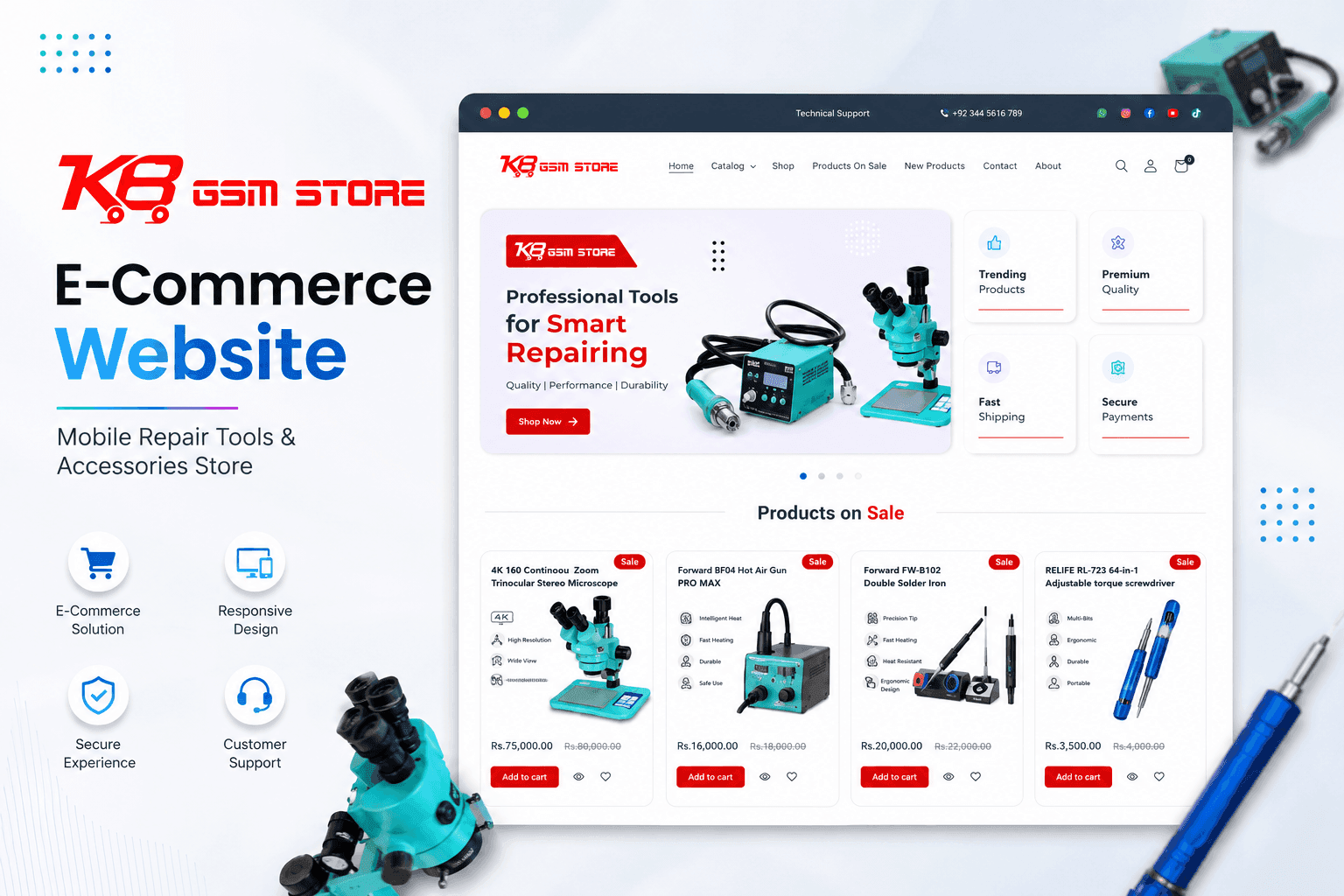
KB GSM: B2B Ecommerce Development for a Phone Parts Wholesaler
A trade store for mobile repair parts and accessories, with quick SKU search and stock levels that update themselves instead of being keyed in by hand.
Guides for Small Business Owners
Practical articles on the problems this service solves, written from real client work.
Headless WordPress to Next.js Migration: Speed & SEO Guide
How to move a WordPress site to a Next.js frontend without losing rankings: URL mapping, redirects, ISR caching and Core Web Vitals results.
Technical SEO Checklist for 2026: 12 Fixes for Small Business Sites
Twelve technical SEO fixes we check on small business sites first: crawling and indexing, site structure, Core Web Vitals, HTTPS and structured data, with free tools to check each one.
WordPress to Next.js Migration FAQs
Ready to get started with WordPress to Next.js Migration?
Book a free call and get a written, fixed-price quote. Every project includes 30 days of support after launch.
