
WooCommerce Speed Optimisation for Faster Pages and More Sales
A slow WooCommerce store loses shoppers before they reach checkout. We find what is slowing your store down, from heavy themes and plugins to database bloat and uncached pages, and fix it so Core Web Vitals pass and pages load fast on mobile.
A Faster Store Means Fewer Shoppers Walking Away
WooCommerce speed optimisation is the work of finding what makes your store slow and fixing it without breaking the parts that take money. For a gift shop in York or a supplements brand in Cork, that usually means product pages that drag on a phone, a cart that lags every time someone changes a quantity, and a checkout that stalls while a dozen plugins load scripts nobody needs.
On this page
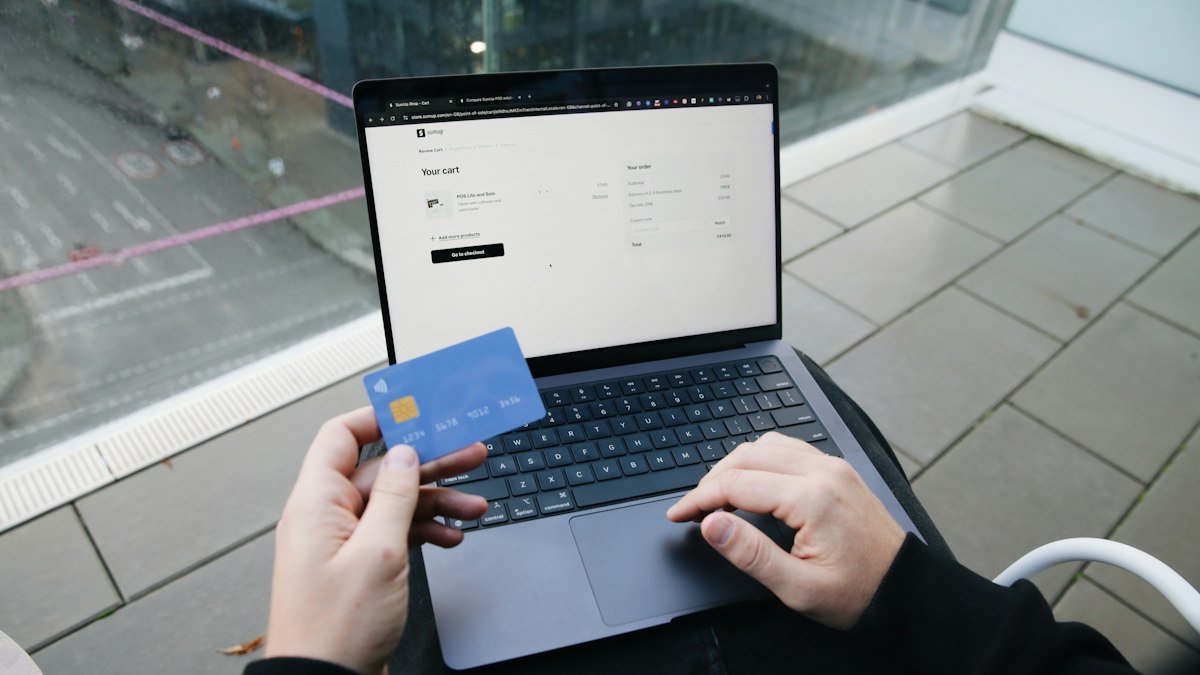
Signs your store needs a speed fix
You do not need a developer to spot a slow store. Open your own shop on your phone, on mobile data rather than the office Wi-Fi, and try to buy something.
These are the signs we hear about most often from owners:
- Product pages that show a blank space for a second or two before the photo appears
- The basket icon taking a moment to update after you press add to basket
- The admin area crawling when you search orders or edit a product
- Search Console flagging pages as poor or needing improvement
- Paid traffic from Google Ads or Meta arriving but rarely reaching checkout
Any one of these is worth a look. Two or three together usually mean speed work will pay for itself faster than another round of ads.
It also helps to look at when the store is slow. Fine at 7am but crawling at lunchtime? That’s usually load and caching. Slow all day long? Look at the theme, the plugins or the images.
What WooCommerce speed optimisation involves
It is not a plugin you install. It is a series of measured changes, each one tested, to the theme, plugins, images, database, caching and sometimes the hosting.
First we time four pages: the home page, a busy category page, your best-selling product and the checkout. Between them, that’s most of what a shopper sees before they pay. PageSpeed Insights, the field data in Search Console and Query Monitor show us where the seconds are going.
Then we rank the causes by how much they cost you. A 2 MB hero image on the home page is a quick fix. A page builder wrapped around every product template is a bigger job. You see both, with the likely gain from each, before you decide anything.
What does a speed audit check?
Our audit covers the same list on every store. It keeps reports consistent and stops us guessing.
- Theme and page builder weight on product and category templates
- Plugins that add scripts to the cart and checkout
- Image sizes and formats on your best sellers
- Database size, autoloaded options and scheduled tasks
- Server response time and caching headers
Each item gets a note on what it costs in load time and how it affects your Core Web Vitals. Nothing changes at this stage. The work starts only once you agree the plan.
If your pages already pass, we tell you and suggest where the budget would do more good.
WooCommerce Core Web Vitals in plain English
Google measures real visitors on your site and reports three numbers, known as Core Web Vitals. They count towards how Google rates your pages, which matters for your SEO. More to the point, they decide how long a shopper will hang about.
- Largest Contentful Paint: how long before the main thing on the page, normally the product photo, shows up
- Interaction to Next Paint: how fast the page responds when someone taps a size or hits add to basket
- Cumulative Layout Shift: whether stuff jumps about while it loads, so people end up tapping the wrong button
On WooCommerce stores, the problems nearly always turn up in the same few places. Product galleries delay the main image. Cookie banners and review widgets push content down. Cart fragments and chat scripts make taps feel sluggish.
If you want the official definitions and thresholds, Google’s own guide on web.dev is the clearest reference. We report against the same thresholds so you are not relying on our word.
Five fixes that help most stores
Not every fix needs weeks. On most stores we audit, these five changes are quick to make and show up clearly in the before and after figures.
1. Resize and convert product images
Owners often upload photos straight from a camera or phone. We resize them to the sizes your theme uses, convert them to WebP and lazy load anything below the fold. The main product photo is loaded first, not last.
2. Stop plugins loading on every page
A booking plugin, a form plugin and a slider might only be needed on one page each. We stop their scripts and styles loading everywhere else. The checkout gets lighter straight away.
3. Clean the database
Old sessions, expired transients, spam comments and years of post revisions slow down searches and cart updates. We clear what is safe to clear and schedule regular clean-ups so it does not build up again.
4. Set up cart-safe caching
Page caching makes a big difference, but set up badly it can show one shopper another person’s basket. We cache what can be cached and exclude the cart, checkout and account pages.
Where your host supports it, we add Redis object caching too. That speeds up the admin area as well, which your staff will notice the first morning they process orders.
5. Put a CDN in front of the store
A content delivery network serves images and files from a location close to each shopper. Say you’re a Manchester shop selling into Germany and France. With Cloudflare, or another CDN, every file has less far to travel.
On their own, these five changes rarely sort every WooCommerce Core Web Vitals issue. They do clear the easy weight, which makes the deeper problems much easier to see and measure.
They are also low risk. None of them change how your products, prices or checkout behave, so they are a sensible place to start while we plan anything bigger.
How we keep your live store trading
Speed work touches the parts of a store that take money, so we are careful. Every change is made on a staging copy first. Your live shop keeps taking orders the whole time.
On staging we test the full buying journey after each change: add to basket, apply a coupon, change delivery, pay with each gateway you use. Stripe, PayPal and Klarna all get a proper test order. If a change breaks something, it does not go live.
When everything passes, we deploy at a quiet time agreed with you, with a full backup ready. For most shops that means a weekday morning, well away from payday weekends and promotional emails. Then we watch error logs and real visitor data for 30 days.
Why we don’t rely on all-in-one speed plugins
Those one-click plugins that promise to fix the lot? Sometimes they help. Often they fall out with WooCommerce.
Minifying scripts can break the checkout. Delaying JavaScript can stop the payment form loading. We use caching tools like LiteSpeed Cache where they fit, and we configure them by hand rather than ticking every box.
Speeding up a store that has grown
Many stores start small and pile on features. A few years later there are 50 plugins, two page builders and a theme that was never designed for 3,000 products. Fixing a store like that is partly clean-up and partly a plan.
We begin with a plugin audit. Each plugin gets one of three labels: keep, replace with something lighter or remove. Owners are often surprised how many were installed for a one-off campaign years ago and never switched off.
Sometimes the honest answer is that a theme change will do more than any amount of tuning. If that’s where we’ve ended up, we’ll tell you straight and walk you through the trade-off. If a rebuild makes sense, our WooCommerce and Shopify stores service covers it, and we bring your products, orders and rankings across with you.
For content-heavy sites where the shop is only one part, a move to a Next.js front end is another route worth weighing up.
For stores that are simply busy, the work looks different. Object caching, better database indexes and moving scheduled tasks off page loads help a store stay quick during a Black Friday rush or a mention in the Sunday papers.
How do you keep a store fast after launch?
Stores do not stay fast on their own. A new plugin, a marketing script or a large banner can undo months of work in one afternoon. We give your team a short list of rules: image sizes to use, what to check before adding a plugin and how to read the Core Web Vitals report in Search Console.
That report shows trends over time, using data from your real visitors rather than a lab test.
What you get and how pricing works
WooCommerce speed optimisation from Devsio is a fixed-price project. We quote after a free speed check of your key pages, because the work depends so much on your theme, plugins and hosting. You can see how our work is packaged on the pricing page.
At the end you get a before and after report. It covers load times and Core Web Vitals for each page we worked on, with a plain explanation of what changed and why. We ran the same process on a Shopify store, which you can read about in the Shopify speed optimisation case study.
You also get a list of anything we found but did not fix, such as a plugin that needs replacing by its developer or a hosting limit. That way you know exactly where the store stands.
The team is based in Islamabad and led by Umer Shafique. Calls are booked at times that suit UK and European clients, and all the work is done in-house. Nothing is handed to an unknown contractor with admin access to your shop.
Most projects take one to three weeks, depending on the size of the store and how much clean-up is needed. We agree the timing with you before we start so it never lands in the middle of a sale.
If your store feels slow and you want WooCommerce speed optimisation that is measured, tested on staging and explained in plain English, contact us for a free speed check. Send us your store address and we will tell you what is slowing it down.
WooCommerce speed optimisation for stores in the US, UK, Europe and the Middle East
WooCommerce speed optimisation has to account for distance. A store can be fast in one country and slow in another if its server is far away from the shopper. We test from where your customers are.
United States
For US shoppers we test from US locations and put a CDN in front of the store with servers across North America.
United Kingdom and Europe
For UK and EU shoppers we test from London and Frankfurt, and make sure cookie banners and consent tools do not slow the first load.
Middle East and the Gulf
For Gulf shoppers we test from the region and use a CDN with servers in the Middle East, because a store hosted only in Europe or the US can feel slow in Dubai or Riyadh.
Our team works from Islamabad, which is 1 hour ahead of Dubai, 4 to 5 hours ahead of London and 9 to 10 hours ahead of New York. Calls are booked in your time zone, and US mornings fall in our evening. Read how our remote projects for international clients run from first call to launch.
What We Do
Theme, Plugin and Image Clean-up
Most slow stores are carrying code they do not need. We find the heavy theme features, page-builder bloat and plugins that slow every page, and remove or replace them.
- Plugin audit and replacement
- Page-builder bloat removal
- Image compression and WebP
- Unused CSS and script removal
Database and Caching
Years of orders, sessions and expired data slow down every search and cart update. We clean it up and set caching that works with a live cart.
- Database and transient clean-up
- Page and object caching
- Cart-safe cache rules
- CDN setup
Checkout and Core Web Vitals
The pages that make you money come first: product pages, cart and checkout, tuned to load fast on a phone and pass Google's Core Web Vitals.
- Largest Contentful Paint fixes
- Layout shift fixes
- Faster cart and checkout
- Mobile performance testing
What You Receive
Four Steps From First Call to Launch
A written quote before work starts, regular updates in writing, and nothing goes live until you have approved it.
Free Speed Check
We test your home, category, product and checkout pages and show you what is slowing them down, with a fixed-price quote to fix it.
Fix on Staging
All changes are made on a staging copy of your store, so your live shop keeps trading while we work.
Test Checkout and Payments
We test cart, checkout, payment gateways and key plugins on staging and compare speed before and after.
Deploy and Monitor
We deploy with a backup ready, then monitor speed and errors for 30 days after launch.
Case Studies: WooCommerce Speed
Projects we have delivered, what we built and what changed for the client.

Genie Fashion: Shopify Speed Optimisation Case Study
Speed and checkout work on a Shopify fashion store so product pages load quickly on a phone and fewer shoppers give up before paying.
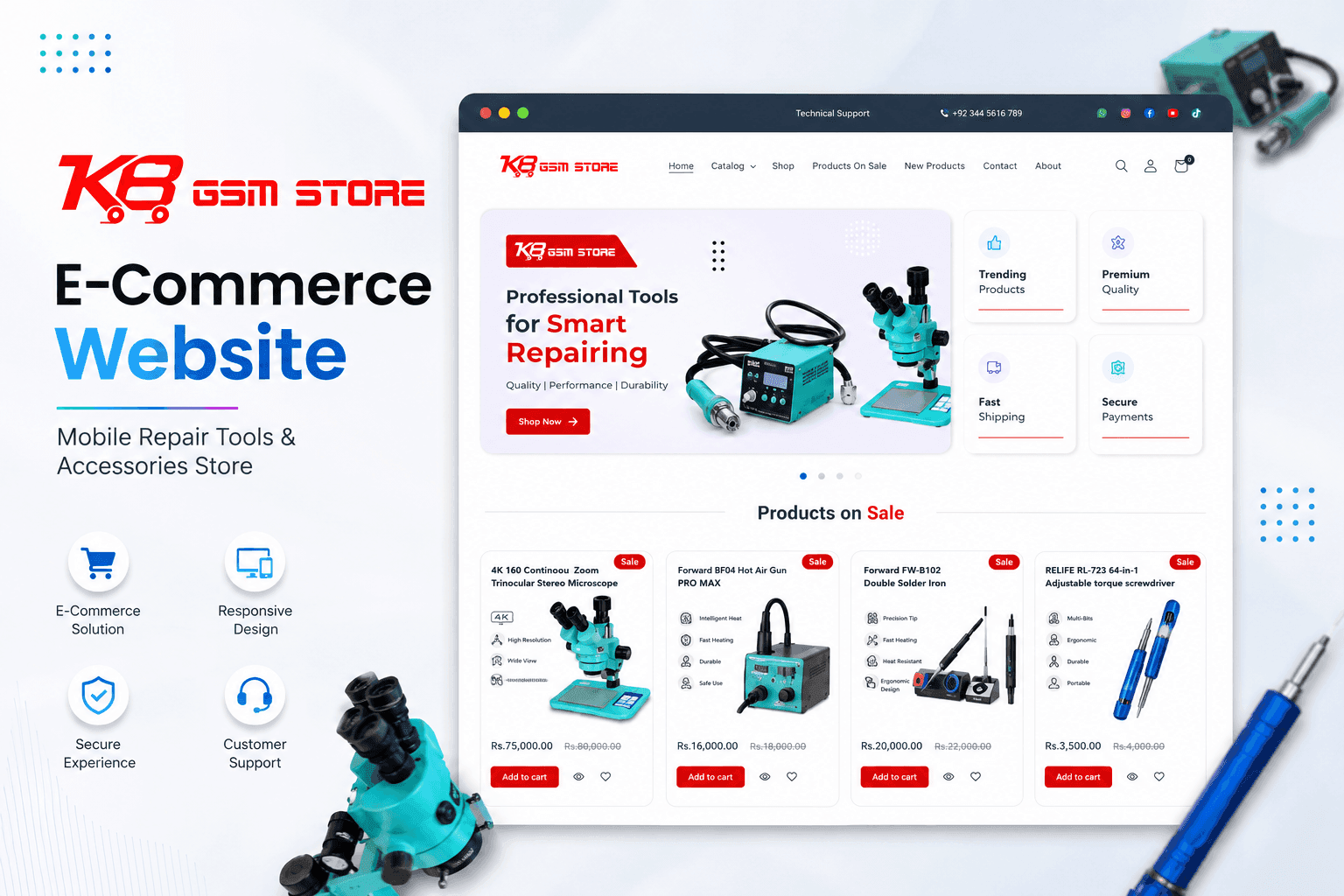
KB GSM: B2B Ecommerce Development for a Phone Parts Wholesaler
A trade store for mobile repair parts and accessories, with quick SKU search and stock levels that update themselves instead of being keyed in by hand.
Guides for Small Business Owners
Practical articles on the problems this service solves, written from real client work.
WooCommerce Checkout Abandonment: Why UK Shoppers Leave
Seven in ten carts are abandoned, and the reasons are well documented. Here is what the research says UK shoppers walk away from, and what to change in WooCommerce.
Technical SEO Checklist for 2026: 12 Fixes for Small Business Sites
Twelve technical SEO fixes we check on small business sites first: crawling and indexing, site structure, Core Web Vitals, HTTPS and structured data, with free tools to check each one.
WooCommerce Speed Optimisation FAQs
Ready to get started with WooCommerce Speed Optimisation?
Book a free call and get a written, fixed-price quote. Every project includes 30 days of support after launch.
