

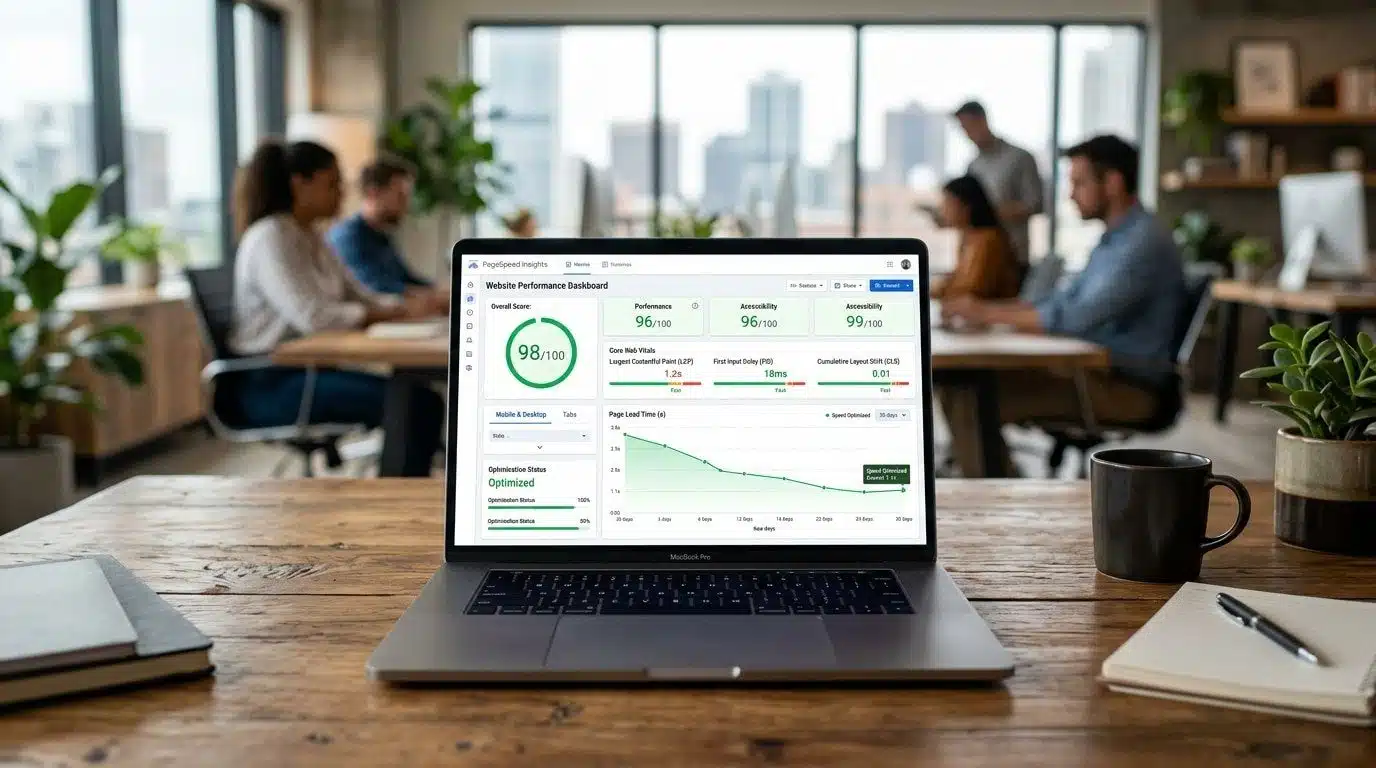
Short answer: a page builder slows WordPress down because it loads extra scripts, styles, fonts and nested layout code on every page, whether that page uses them or not. You can usually recover most of the lost speed without a rebuild by trimming unused builder features, fixing fonts and images, and setting up caching properly. A rebuild only makes sense when the site is so tangled that the fixes cost more than starting again.
I say this as someone who likes page builders. Our own site runs on Elementor, and most of the small business sites we inherit do too. The builder is rarely the villain on its own. The problem is what builds up around it over two or three years: add-on packs installed for one widget, sliders nobody looks at, three font families, and a caching plugin that was switched on and never configured.
How do you know the page builder is the problem?
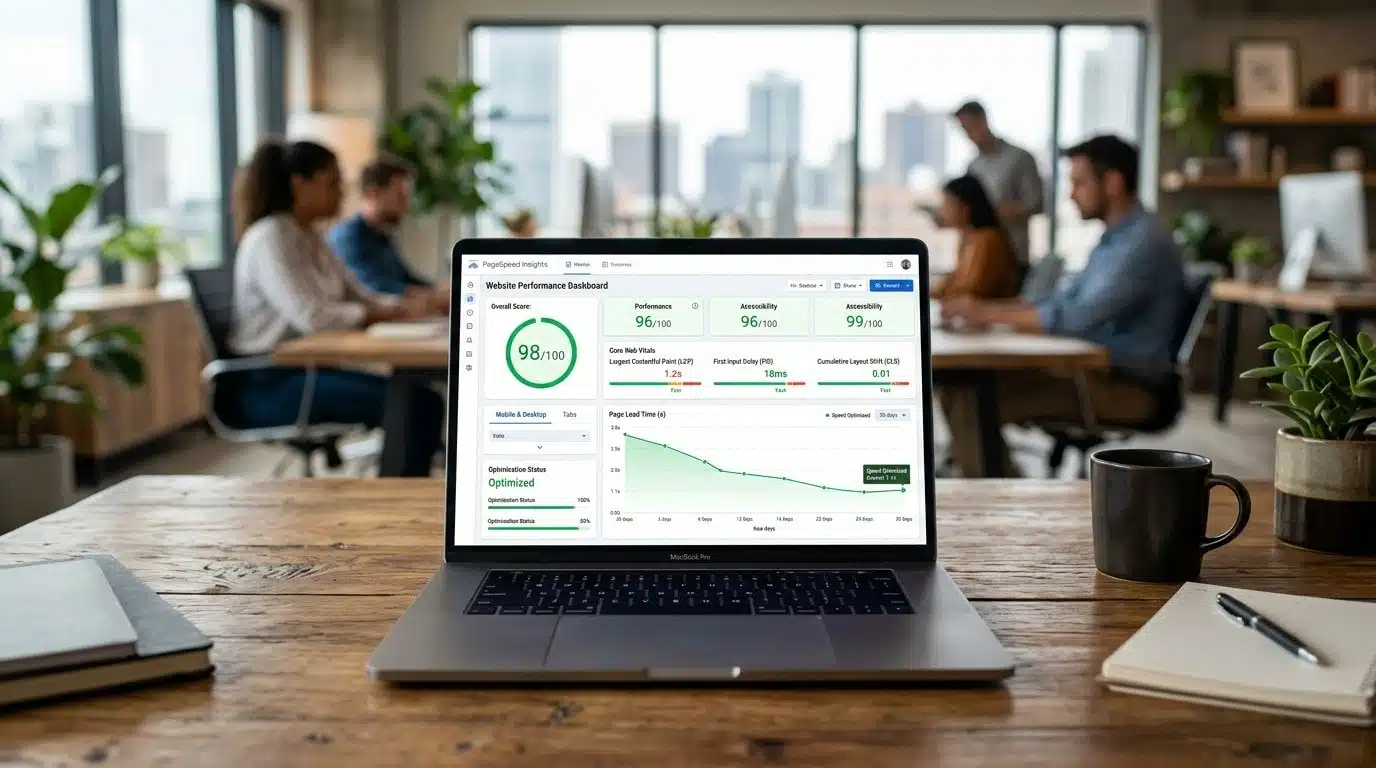
Before changing anything, measure. Run your homepage and one important inner page (a service page, not the blog) through PageSpeed Insights, and look at the mobile results first. Three numbers matter most, and Google explains each on web.dev:
Then scroll down to the diagnostics. If you see long lists of unused JavaScript and CSS from the page builder or its add-ons, render-blocking scripts such as jQuery, or several font files loading before the text appears, the page builder stack is a large part of the problem. If the server response time is the slow part instead, the page builder is not your main issue and hosting is.
- Largest Contentful Paint (LCP): how long until the main content appears. Google's "good" threshold is 2.5 seconds.
- Cumulative Layout Shift (CLS): how much the page jumps around while loading. Good is 0.1 or lower.
- Interaction to Next Paint (INP): how quickly the page responds when someone taps. Good is 200 milliseconds or lower.
Which page builder fixes work without a rebuild?
1. Remove what you do not use
Go through your plugins and ask one question of each add-on pack: which widget are we actually using? It is common to find a whole pack installed for a single countdown timer or testimonial slider. Replace that one widget with the builder's own version and remove the pack. Every add-on you delete stops loading its code on every page.
Inside Elementor, turn on the performance experiments that load only the code each page needs, and switch off features you never use, such as icon libraries you have replaced. Test after each change rather than flipping everything at once.
2. Get fonts under control
Builders make it easy to pick a different font for every heading. Each family and weight is another file to download before text can render properly, and a late-loading font makes the page jump when it swaps in, which hurts CLS.
Pick one or two families, limit the weights you actually use, and host them on your own server rather than pulling them from Google's servers. Many builders also load their own default fonts in the background even when your theme does not use them; that setting is usually one switch in the builder's settings, and turning it off is one of the quickest wins we see.
3. Fix images before touching code
Oversized images are still the most common cause of a slow LCP. Serve modern formats such as WebP, size images to the space they actually fill, and make sure the main image at the top of the page is not lazy-loaded, because lazy-loading your hero image delays the one thing Google is timing.
4. Configure caching properly
A caching plugin that is installed but not set up does very little. Page caching, compressed and combined CSS where it helps, and deferring non-essential JavaScript are where most of the gains are. Deferring needs testing, because some builder widgets break when their scripts load late. Change one setting, check the key pages on a phone, then move on.
5. Cut the third-party scripts you have forgotten about
Chat widgets, heatmaps, old pixels from ad campaigns that ended last year, a second analytics tag someone added by mistake. Each one adds work for the browser. Audit them in your tag manager and theme settings and keep only what someone actually looks at.

What does each fix cost and what does it give you?
FixEffortWhat it mainly improves Removing unused add-on packsLowLess JavaScript and CSS on every page Fewer, self-hosted fontsLowFaster text rendering, less layout shift Image formats and sizingLow to mediumLargest Contentful Paint Proper caching and script deferralMedium, needs testingLoad time and responsiveness Rebuilding key templates leanerMedium to highEverything, on the pages that matter most
When is a rebuild the honest answer?
Sometimes the fixes above cost more than a clean build. The signs are a site where nobody can say which of 40 plugins are safe to remove, templates nested five sections deep to achieve a simple layout, and a theme that has not been updated in years. In that case, rebuilding the handful of pages that bring in enquiries, on a lean theme, is often cheaper than chasing every slow widget.
For businesses where speed directly affects revenue, such as a large online shop or a site running heavy paid traffic, a faster front end may be worth it. We compare the options honestly in Next.js or WordPress for a small business website and go deeper on the hybrid route in our headless WordPress and Next.js guide.
Does site speed actually affect Google rankings?
Yes, but modestly. Core Web Vitals are part of how Google assesses page experience, and a painfully slow site will struggle. A fast site with thin content will not outrank a slower site with genuinely useful content, though. The bigger payoff from speed is usually commercial: fewer people leave before the page loads, and more of them get as far as your contact form. Our technical SEO checklist puts speed in context with the other fixes that matter.
Does it matter which page builder you use?

Less than people expect. We have seen fast Elementor sites and painfully slow ones, and the difference was almost never the page builder itself. It was how many add-on packs were installed, how many fonts and icon sets were loaded, and whether anyone had set up caching after launch.
That said, page builders do sit on a spectrum. Older builders that wrap every element in layers of shortcodes or nested containers, such as WPBakery and older Divi layouts, tend to produce heavier pages. Builders that work on top of the block editor, such as Kadence Blocks or GenerateBlocks, produce lighter markup because they lean on WordPress itself rather than replacing it. Elementor and Divi sit in the middle, and both have improved with their newer container and performance settings.
If you are choosing a page builder for a new site, pick the one your team can edit comfortably and then keep it lean. If you already have one, switching page builder just to chase speed is rarely worth it on its own. The fixes above usually close most of the gap for a fraction of the cost.
Signs your page builder setup is the real problem
If three or more of those sound familiar, a clean-up of your slow WordPress site will usually pay off faster than a redesign. Start with unused widgets and add-ons, because every one you remove is code the browser no longer has to download.
- Pages that are mostly text still load hundreds of kilobytes of CSS and JavaScript.
- Three or more add-on packs are installed for the same page builder, each adding its own widgets.
- Every page loads the same slider, animation and icon libraries, even where they are not used.
- Your theme and your page builder both load their own fonts and styles, so the browser downloads two sets.
- Nobody can say which plugins are still in use, so nothing ever gets removed.
Questions we get asked
Can I keep using Elementor and still pass Core Web Vitals?
Usually, yes. Plenty of Elementor sites pass on mobile once add-ons are trimmed, fonts are sorted and caching is configured. The builder makes it easier to add weight, not impossible to stay light.
Will a better hosting plan fix it?
Only if the server is the slow part. Check the server response time in PageSpeed Insights first. If it is fast and the page is still slow, better hosting will not help much, because the delay is happening in the browser.
Should I switch to the block editor instead?
For new sites, the block editor with a lightweight theme is a good default. For an existing site that works and brings in enquiries, fixing what you have is normally the better first step.
How long does a speed clean-up take?
For a typical small business site, the low-effort fixes can often be done and tested within a few days. WooCommerce stores take longer because the checkout needs careful testing after every change.
Want a second pair of eyes?
If you run a WooCommerce store, our WooCommerce speed optimisation service covers this work end to end. For a brochure site, send us the URL through the contact page and we will tell you which of the fixes above would make the biggest difference, and whether a rebuild is worth considering at all.
