

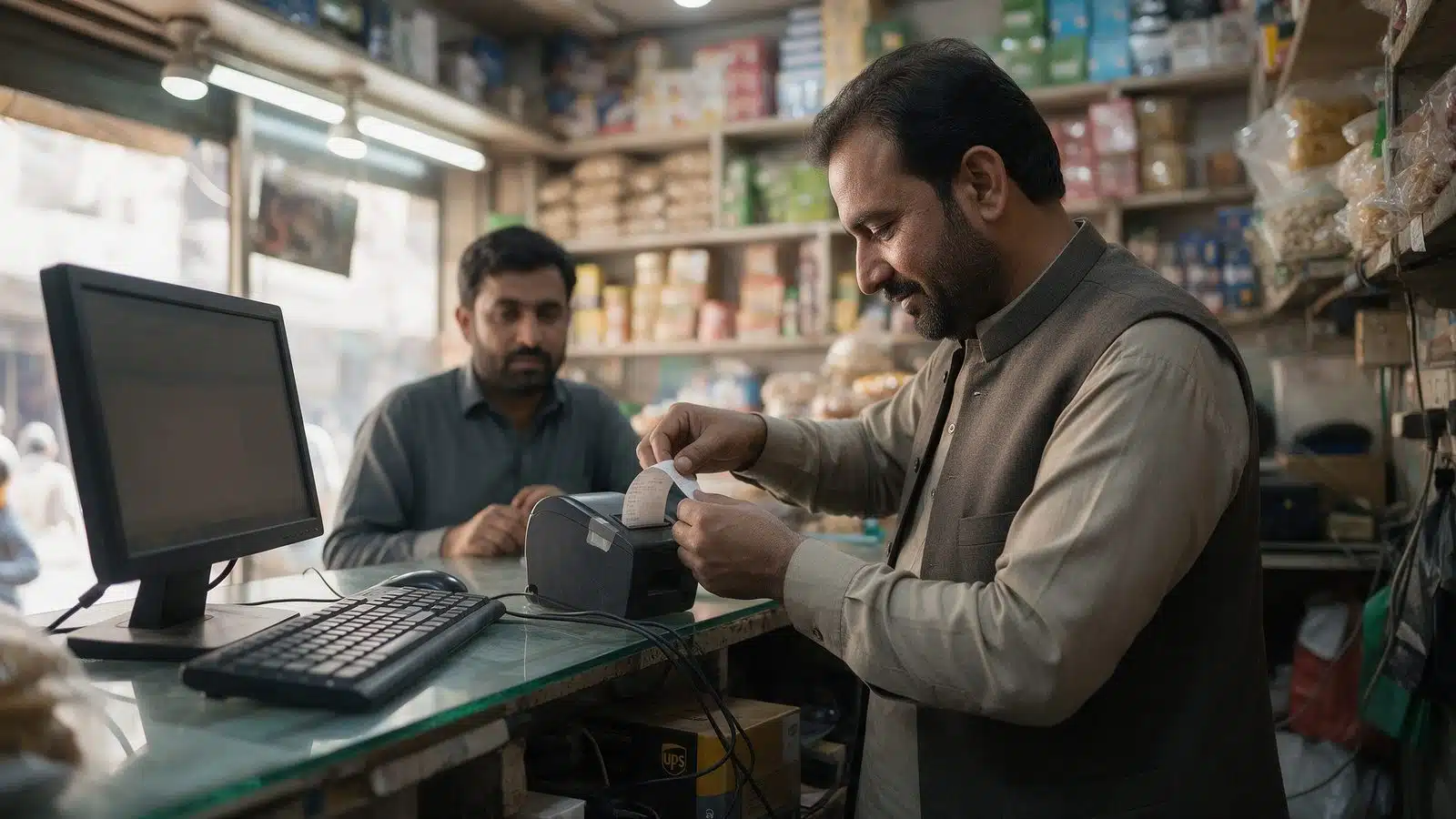
FBR POS integration is a cost of doing business for any Tier-1 retailer now, and it breaks in places nobody warns you about. As of the FBR's own integration figures published on 31 July 2026, 13,586 businesses have integrated across 37,378 branches. Tier-1 retailers account for 11,900 of them, spread over 24,871 branches. Textile and leather adds 560 businesses across 10,747 branches, restaurants 1,126 across 1,760.
Put those numbers next to the number of retail businesses operating in Pakistan and the picture is clear enough. FBR POS integration is still the exception, and most owners are working out what it means for them somewhere between a rumour from another shopkeeper and a message from their accountant.
This is the software side of FBR POS integration, written by someone who runs a retail counter as well as an agency. Where it touches your tax position, take it to your tax advisor rather than to me. What follows is about the systems: what the FBR link asks of your POS software, your staff and your product data.
On this page
- What is FBR POS integration in plain terms?
- Who has to integrate?
- What breaks first?
- Should I buy off-the-shelf POS software or build one?
- What do you get beyond compliance?
- What your POS software needs to do
- Hardware and the shop floor
- Preparing your product data: a practical method
- Training counter staff for day one
- Checking the link is working
- Running more than one branch
- Questions to ask any POS vendor
- FBR POS integration for a shop in Saddar or Raja Bazaar
- A realistic timeline for a single shop
- How long does it take?
- What to do before you spend anything
- Related reading
- If you want a second opinion before you buy
What is FBR POS integration in plain terms?
It is a live link between your billing software and the FBR, so every invoice you print is reported as it happens and carries an FBR invoice number and a verifiable QR code.
With FBR POS integration, the customer's receipt changes. Instead of a slip from your own till, they get an invoice they can scan and check against the FBR's records. On your side, the sale leaves your system twice at the moment it is rung up: once to your own database, once to the FBR endpoint.
That second part is where most of the practical difficulty sits, and it has almost nothing to do with tax. FBR POS integration is a plumbing job before it is a tax job.
Who has to integrate?
The FBR POS integration obligation attaches to defined categories, chiefly Tier-1 retailers, along with restaurants and specified sectors such as textile and leather outlets.
The definition of a Tier-1 retailer has moved more than once, and the thresholds and conditions that place a shop inside it are exactly the kind of thing that changes between one finance act and the next. The FBR website is the primary source.
So the straight answer to "does this apply to me" is that your tax advisor should confirm your category against the current law, in writing, before you buy any software. I have watched businesses spend on a system for a requirement that did not apply to them, and businesses ignore one that did.
What I can tell you is what FBR POS integration costs you operationally once the answer is yes.
It also helps to know what it doesn't change. Your accountant still closes the books. Your credit customers still pay on their usual terms. Your suppliers don't see anything different. The change sits almost entirely at the counter, at the moment of sale, and that's where your preparation should go. Owners who treat FBR POS integration as an accounting project tend to spend on the wrong things and leave the counter unprepared.
What breaks first?
The internet connection, and nobody plans for it.
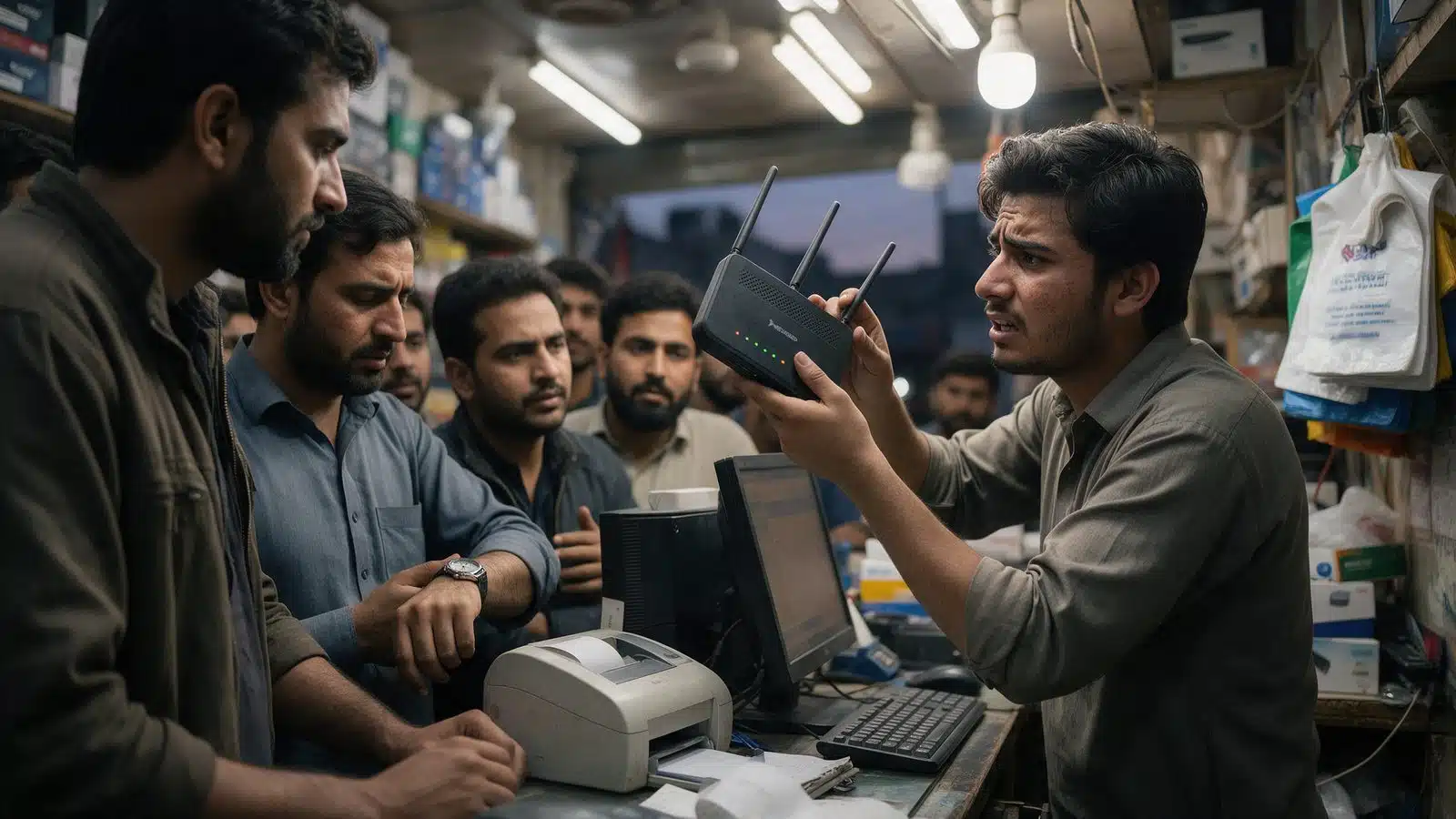
Every invoice has to reach the FBR in real time. Your shop's connection does not have a service level agreement. When it drops at 6pm on a Saturday with eight people at the counter, a badly built integration stops printing invoices and you stop selling.
A properly built one queues the invoice locally, prints, and pushes to the FBR when the line comes back. Ask any vendor this single question before you pay them: what happens to a sale when the internet is down? If they have not thought about it, they have not built FBR POS integration before.
The next three, in the order they usually bite:
- Your product data. FBR POS integration wants clean item codes, consistent units and correct tax rates per item. Most shops have a register where the same product appears three times under three spellings. That cleanup is the real project, and it is unglamorous work that no software does for you.
- Returns and cancellations. A reported invoice cannot be quietly torn up. Your counter staff need a process for the customer who changes their mind, and it needs to exist before day one, not after the first argument.
- Staff habit. If someone at the till has spent nine years writing sales in a copy and entering them later, the change is not the software. It is that the sale must now be entered before the customer walks out. That is a management problem wearing a technology costume.
Should I buy off-the-shelf POS software or build one?
Buy, unless your operation has something in it that no packaged system handles. That is my default, and it costs me work to say it.
There are approved solutions on the market that handle the FBR link, and for a single-branch shop selling ordinary retail lines, paying for one is cheaper and faster than anything I could build for you. Buy it, spend the saved money on cleaning your product data, and get on with trading. FBR POS integration on its own is not a reason to commission bespoke software.
Building is worth considering when the shape of your business fights the package. Multiple branches with stock moving between them and one owner who needs a single live view. Trade credit with named parties, part payments and running balances, which is how much of the Pakistani wholesale trade operates and which most retail packages handle badly or not at all. Items sold in one unit and bought in another. A pricing structure that changes by customer.
I went through that decision at length, with what each option really costs, in this comparison of Busy, Tally, QuickBooks and going custom. The reasoning there applies directly to the FBR POS integration choice.
What do you get beyond compliance?
A per-item record of every sale, in real time. Which, if you use it, is worth more than FBR POS integration is costing you.
Most shops that have never run a proper POS cannot answer basic questions about their own trade. Which twenty items produced most of last month's margin. Which lines have not moved since March. Which hours of which days are really busy. What the average basket looks like on a weekday against a Sunday.
Once every invoice is itemised, all of that is sitting in your database whether you look at it or not. The dead stock question in particular is where I have seen the most money quietly parked in Rawalpindi shops, and it is the first report I would build for anyone finishing FBR POS integration. I wrote about finding it in this piece on dead stock and what it costs to keep.
The other half of this is payments. If invoices are now being reported in real time while your takings still arrive across cash, wallet and card with no method recorded against the sale, you have fixed one record and left the other broken. That side is covered in the piece on digital payments and what happens when the back office does not keep up.
What your POS software needs to do
Whatever you buy or build for FBR POS integration, the POS software has to do a handful of things well. Check each one on a demo with your own items loaded, not the vendor's sample shop.
The status screen is the one people forget, and it is the most useful screen on the counter once the first week is over. Without it, nobody knows that forty invoices have been stuck in a queue since yesterday afternoon.
- Queue invoices locally when the connection drops, then send them automatically when it comes back, with no one having to remember.
- Print the FBR invoice number and QR code clearly on every receipt.
- Handle returns and cancellations properly against a reported invoice.
- Hold the correct tax rate per item, not one rate for the whole shop.
- Show a simple status screen: how many invoices are waiting to send, and whether anything has failed.
- Cope with more than one counter and, if you need it, more than one branch.
Hardware and the shop floor
FBR POS integration is software, but the hardware around it causes a surprising share of the trouble.
The printer
The customer has to be able to scan the QR on the receipt. A cheap thermal printer with a worn head prints a grey smudge that no phone will read. Test a receipt with two or three phones before you go live, and keep spare paper rolls of decent quality. A receipt nobody can scan undoes the whole exercise as far as the customer is concerned.
A second internet connection
Your main broadband will drop at some point. A 4G device kept charged as a backup costs little and keeps invoices flowing during an outage. The queue handles short gaps. A backup connection handles long ones.
Power
Load-shedding and a POS terminal don't mix. A UPS on the counter PC, the printer and the router means a power cut doesn't lose a half-finished sale.
Preparing your product data: a practical method
I said earlier that data cleanup is the real FBR POS integration project. Here's how I'd go about it for a single-branch shop.
For a shop with a few thousand lines, that's a solid week of work for someone who knows the stock. It's worth every hour, because everything after go-live depends on it.
- Export every item from whatever you use now, even if it's a register typed into Excel.
- Sort by name and merge the obvious duplicates. The same cable under three spellings becomes one item.
- Fix the units. Decide whether each item is sold by the piece, the box, the metre or the coil, and stick to it.
- Give every item a code. Barcodes where the manufacturer provides them, your own short codes where they don't.
- Get your tax advisor to confirm the tax treatment for each category, then apply it item by item.
- Load the clean list into the POS software and do a full stock count before go-live.
Training counter staff for day one
Staff don't need to understand the technology behind FBR POS integration. They need to know four things, and each one can be practised in an afternoon.
Practise the return. It's the step that causes arguments at the counter, and a customer waiting while the salesperson guesses is how bad reviews start.
- How to ring up a sale so it's reported before the customer leaves.
- What to do when the screen says the invoice is queued rather than sent.
- How to process a return or exchange against a reported invoice.
- Who to call when something looks wrong, and what to note down while they wait.
Checking the link is working
Going live with FBR POS integration isn't the end of it. For the first month, somebody should spend five minutes a day on these checks.
After a month, weekly checks are usually enough. The habit is what matters. A link that fails silently for a week does more damage than a problem you spot on the day it starts.
- Look at the status screen. Is anything waiting or failed?
- Scan the QR on a couple of the day's receipts and make sure they verify.
- Compare the day's invoice count in the POS software with what was reported.
- Note any sale that went wrong and why, so the same mistake isn't repeated tomorrow.
Running more than one branch
Every branch is a separate point of sale, and each one reports its own invoices. For FBR POS integration, that multiplies the practical problems rather than the software ones.
This is where packaged POS software most often struggles, and where a custom layer earns its keep. If you're about to open a second branch, sort the first one's data before you copy it.
- Each branch needs its own reliable connection and backup, not one good line at head office.
- Item codes must be identical across branches, or stock transfers and reports fall apart.
- Someone needs to see the status of every branch on one screen, so a stuck queue in one shop gets noticed.
- Returns made at a different branch from the original sale need a clear rule.
Questions to ask any POS vendor
These are the questions I'd ask, in this order, before paying anyone for FBR POS integration.
Write the answers down and compare vendors side by side. The cheapest quote often looks different once the fifth question has been answered properly.
- What happens to a sale when the internet is down, and how does the queue recover?
- How is a return handled on a reported invoice?
- Can I see the send status of every invoice, and who gets told when something fails?
- Who cleans my product data, and is that in the quote?
- How are updates handled when FBR requirements change?
- Can I export all my sales data if I move to another system?
FBR POS integration for a shop in Saddar or Raja Bazaar
Picture a mid-sized electrical or garments shop in Saddar, Rawalpindi. Two counters, a back room full of stock, a salesman who's been there for years and a broadband line that drops whenever it rains. If your tax advisor confirms you're in scope, that's the shop FBR POS integration has to work for, not the tidy one in the vendor's demo.
Start with the counter. At peak hours in Raja Bazaar, the queue doesn't wait for a spinning icon. FBR POS integration that can't queue invoices offline will cost you sales on your busiest evenings, so test it with the router unplugged before you sign anything.
Then the people. The salesman who's written sales in a copy for years needs a week of practice, not a lecture. Put him on a test setup, let him make mistakes, and have him do returns until they're boring. In shops like this, most FBR POS integration trouble is habit, not software.
Last, the second branch. If you've got another shop across town or in Islamabad, don't copy a messy item list to it. Clean the first shop's data, get FBR POS integration stable there for a month, then roll it out. It's slower on paper and a lot quicker in practice.
A realistic timeline for a single shop
Every shop's different, but for a single branch with a few thousand items, this is the FBR POS integration timeline I'd plan around.
That's roughly a month of steady work, most of it data and people. Done at that pace, the change tends to stick.
- Week one. Tax advisor confirms your category. Choose the POS software and order any hardware.
- Weeks two and three. Product data cleanup and item coding. This is the long bit.
- Week four. Load data, full stock count, staff training on a test setup.
- Week five. Go live on a quiet day, with the vendor reachable by phone.
How long does it take?
The FBR link itself takes days. The data cleanup and the staff change are weeks, and they are the whole job.
Any vendor promising a single-branch shop full integration inside a week is describing the software installation and quietly leaving out the part where somebody sits down with your item list and fixes nine years of inconsistent entries. That work does not disappear because it was not in the quote. It just lands on you after the invoice is paid.
What to do before you spend anything
- One. Get your tax advisor to confirm in writing whether you fall in a category that must integrate, under the law as it stands now.
- Two. Export your product list. Count how many duplicates and inconsistent units are in it. That number tells you the size of the real project. It is the real cost of FBR POS integration, and it is rarely in the quote.
- Three. Ask every vendor what happens to a sale when the internet drops, and what a return looks like on a reported invoice.
- Four. Decide who at the counter owns entering sales at the moment they happen. Without that person, no system works.
Related reading
- Why I argue against the expensive option more often than for it: nine years in electrical trading and what it taught me about software.
- What a custom POS build looks like in practice: the Star Electric POS case study.
If you want a second opinion before you buy
If you're facing FBR POS integration, send me what a vendor has quoted you and tell me how your shop trades: branches, whether you sell on credit, how many items, how the day gets closed. I will tell you whether the quote fits the business, and if the right answer is an off-the-shelf package rather than anything I would build, I will say so.
Free consultation at devsioservices.com/contact. Our custom POS software page covers the billing and FBR POS work, our custom software for small businesses page covers the wider builds, and fixed-price quotes are explained on the pricing page.
